The short answer
Yes, you can download a Bible: the King James Version and the World English Bible are free as PDF and ePub files at ebible.org, because they are not under copyright. A PDF keeps the printed page exactly and suits tablets and computers; an ePub reflows to fit a phone or e-reader. A Kindle accepts both through Amazon’s Send to Kindle. Pay for a Bible eBook when you want a particular design, such as white text on black pages.
Bible eBooks are easy to find and often hard to read: scanned pages that are unreadable on a phone, ePubs without verse numbers, “free PDFs” of copyrighted translations. Here is what to look for.
Free Bible eBooks
Translations that are out of copyright, or dedicated to the public domain, can be shared freely:
- The King James Version (public domain in most countries; in the United Kingdom the rights are vested in the Crown) and the World English Bible (public domain) are both available from ebible.org in many formats, including PDF and ePub.
- Bible apps such as YouVersion’s Bible App show many modern translations free of charge inside the app, including copyrighted ones such as the NIV and ESV, under licences from their publishers. You read them in the app; you usually cannot download them as files.
- Kindle: the Kindle Store lists public-domain KJV editions, often at no cost or for a very small price. Quality varies, so look inside the sample first.
Be careful with free PDFs of the NIV, ESV, NLT or NKJV on file-sharing sites: these translations are copyrighted, and such copies are usually unauthorised.
PDF or ePub?
| ePub | ||
|---|---|---|
| Page | Fixed: the page looks exactly like the printed book. | Reflowable: the text flows to fit the screen. |
| Best on | Tablets, computers, larger phones turned sideways. | Phones and e-readers. |
| Text size | Zoom in and pan. | Change the font size; the lines rewrap. |
| Opens in | Any PDF reader, every phone and computer. | Apple Books, Google Play Books, Kobo and other ePub readers; Kindle through Send to Kindle. |
If you can, get both. That is how we deliver our eBooks: one PDF of the printed book and one ePub, in the same download.
Can you put a Bible on a Kindle?
Yes. Amazon’s Send to Kindle service accepts ePub and PDF files: send the file from the Send to Kindle web page, the app or by email, and it appears in your Kindle library. Amazon converts an ePub into its own format, so the layout can change slightly; a PDF stays a fixed page, which is small on a six-inch e-ink screen. Most Kindles have black-and-white e-ink screens, so red letters appear as grey and a black-page design will look different from a phone. On a Kindle, an ePub is usually the better choice.
eBook or app?
- An app is free and holds dozens of translations, reading plans and audio. It also holds notifications, and everything else on the phone is one swipe away.
- An eBook is a file you keep. It works offline, has no account and no adverts, and a well-designed one feels like reading a book, not an app. You can read it in an e-reader that does nothing else.
- A printed book has no screen at all. Many readers use an app for looking things up and a book, printed or electronic, for reading.
Our article printed book or eBook? compares the two for our black-page edition.
Our Bible eBooks
Every book we print is also an eBook, $10 each: a PDF made from the same pages the printer prints, and a reflowable ePub for phones and e-readers. The download links arrive by email and on your order page as soon as the payment is confirmed; nothing is shipped.
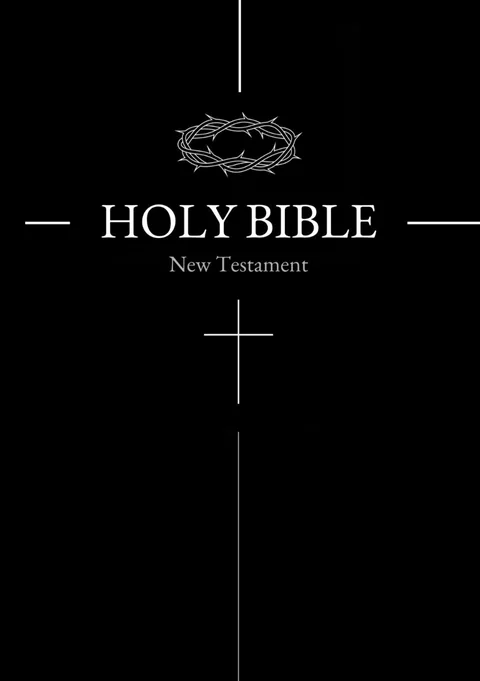
- The Black Edition: the New Testament with white text on black pages and the words of Jesus in red, behind the black cover. In the KJV, the WEB, German or Danish.
- The White Edition: the same New Testament in black type on white pages.
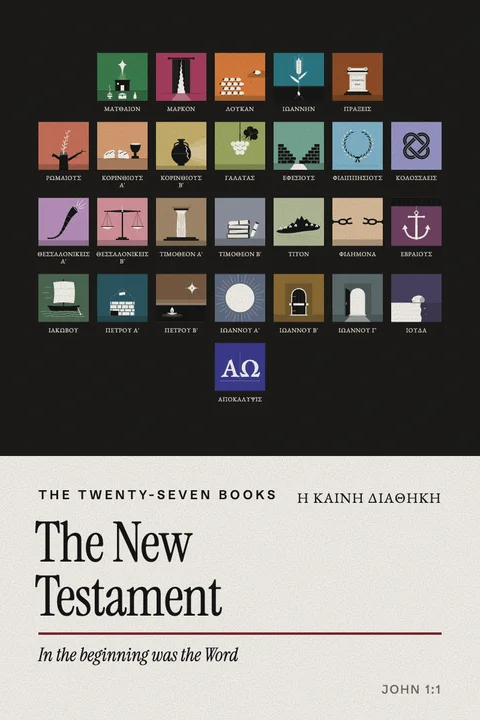
- The illustrated New Testament: each Gospel, Acts, Revelation and the letters, or all 27 books in one eBook, KJV or WEB.
- The Five Books of Moses: each book, or the whole Torah in one eBook.
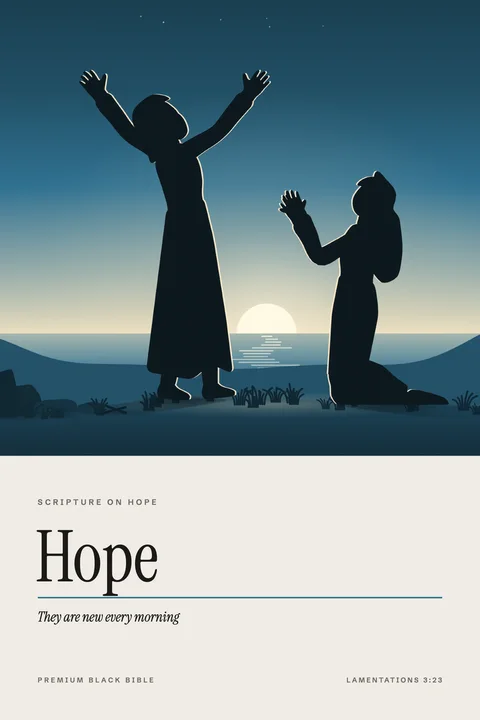
- Eighteen theme books of Scripture, such as Hope and Prayer.
- The illustrated family Genesis for ages 8 to 12, in English, German or Danish.
To be clear: the KJV and WEB texts inside our eBooks are free to read at ebible.org. What you pay for is the edition: the typesetting, the layout, the illustrations or the black pages, and a file that looks like a book. If plain text is all you need, download it free.
The grass withers, the flower fades; but the word of our God stands forever.”
KJVThe grass withereth, the flower fadeth: but the word of our God shall stand for ever.
Isaiah 40:8 · World English Bible, with the King James Version
An eBook as a gift
An eBook is a last-minute gift that arrives in minutes. Forward the download email with a note; our guide on what to write in a Bible you are giving has wording for the message. For a gift to keep, a printed book can follow later.
Questions about Bible eBooks
Can you download a PDF of the Bible?
Yes. The King James Version and the World English Bible are free to download as PDF and ePub files at ebible.org. Modern copyrighted translations are usually read inside apps rather than downloaded.
Which Bible is free on Kindle?
Public-domain editions of the King James Version are often listed free or very cheaply in the Kindle Store. You can also send the free KJV or WEB ePub from ebible.org to your Kindle with Send to Kindle.
Can you put a Bible on a Kindle?
Yes. Buy a Kindle edition, or send a DRM-free ePub or PDF with Amazon’s Send to Kindle. On a Kindle, an ePub usually reads better than a PDF.
What is the difference between a PDF Bible and an ePub Bible?
A PDF keeps the printed page exactly; an ePub reflows the text to fit the screen and lets you change the font size. PDF suits tablets and computers, ePub suits phones and e-readers.
Is there a Bible eBook with black pages?
Yes. The Black Edition eBook is the New Testament as a PDF of the printed pages, white text on black with the words of Jesus in red, and an ePub in the same look, for $10.
Is a Bible app or a Bible eBook better?
An app is free and holds many translations; an eBook is a file you keep, readable offline in any e-reader without notifications. Many readers use both.
How we wrote this guide. We make Bible eBooks and test them on phones, tablets and e-readers; we have not tested every Kindle model, and Amazon’s supported formats can change, so check its current help page. The KJV and WEB texts we use are the free texts from eBible.org. The quotation is from the World English Bible and King James texts we print. Published 26 October 2026.
Sources and further reading
- Send to Kindle (Amazon)
- eBible.org (free KJV and WEB downloads)
- Monochrome Bible: printed book or eBook?
- Dark mode Bible: app, eBook or printed black pages?